게임 관련 정보
In-game Controls
Each class of combat equipment in the game has its own mechanics for movement, aiming, and interaction with the environment. Mastering the controls of ships, submarines, aircraft, and unmanned vehicles allows you to maximize the potential of your weapons and evade enemy attacks in time.
Ship Controls
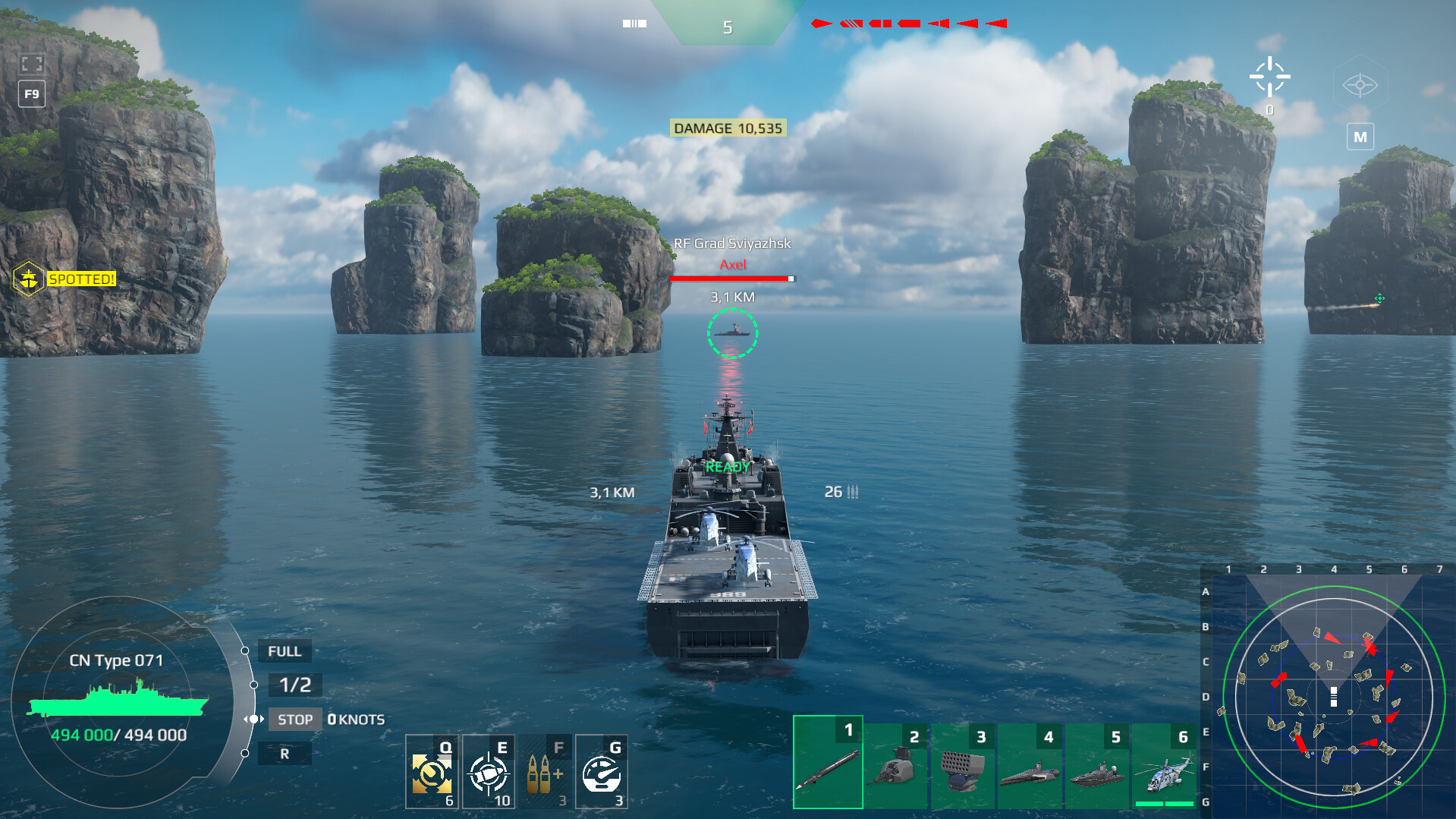
The speed of surface ships is measured in knots. Course changes are made using on-screen buttons (on mobile devices) and the A and D keys (on PC).
For speed control (W / S on PC or the telegraph slider on a smartphone), 4 speed modes are available:
- Full Ahead — maximum forward speed.
- Half Ahead — half of the maximum speed, providing smoother maneuvering.
- Stop — complete stop of the ship.
- Astern — moving backward to retreat behind cover or dodge torpedoes.
Pro Tip: in the "Settings" section, it is recommended to set camera distance and height to 100% (to lock onto targets behind low cover), and on PC — disable "Aim Assist" so that auto-aim doesn't disrupt targeting when launching missiles on an arced trajectory.
Submarine Controls
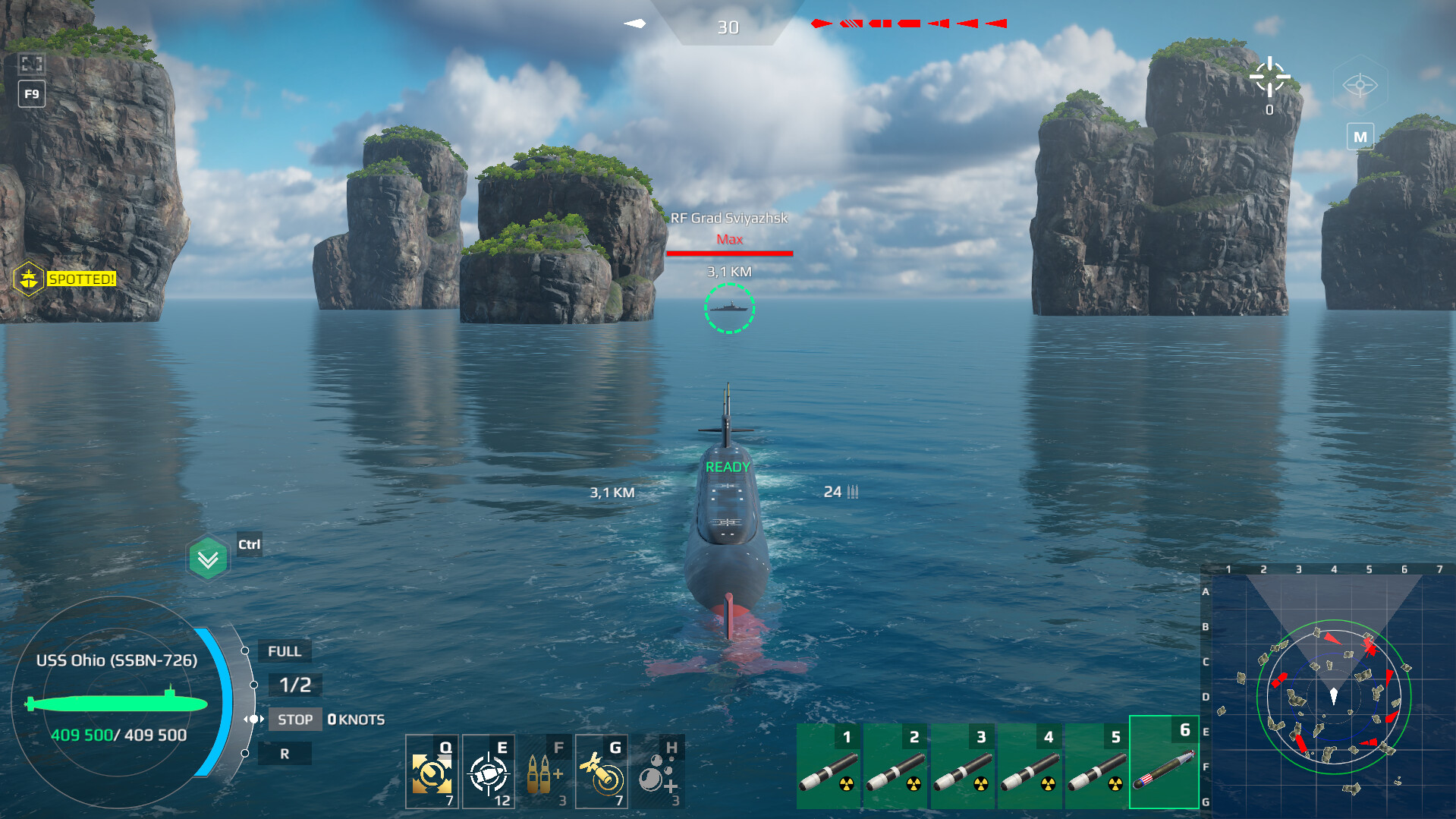
Based on their armament, submarines are divided into 2 types: those equipped with SLBMs (submarine-launched ballistic missiles) and those without them. You can learn more about this ship class in this article, and about missile types here.
Key gameplay and control features:
- Diving and Surfacing — while surfaced, submarine controls are no different from a regular ship; however, the "Dive" function (on-screen button or
Ctrl/Shiftkeys on PC) allows it to submerge. Underwater, the submarine becomes invulnerable to most artillery and missiles — it can only be hit by torpedoes, grenade launchers, and specialized anti-submarine munitions. - Oxygen Supply — the time spent underwater is limited. Once the oxygen supply is depleted, the submarine will automatically surface to replenish its air, after which it can dive again.
- Using SLBMs — submarines with ballistic missiles can strike at ultra-long distances. The missile's impact point is set manually by the player (by swiping a finger on the screen or moving the mouse), and the viewing speed in this mode is regulated by the "Ballistic Missile Camera Sensitivity" setting.
Aircraft Controls
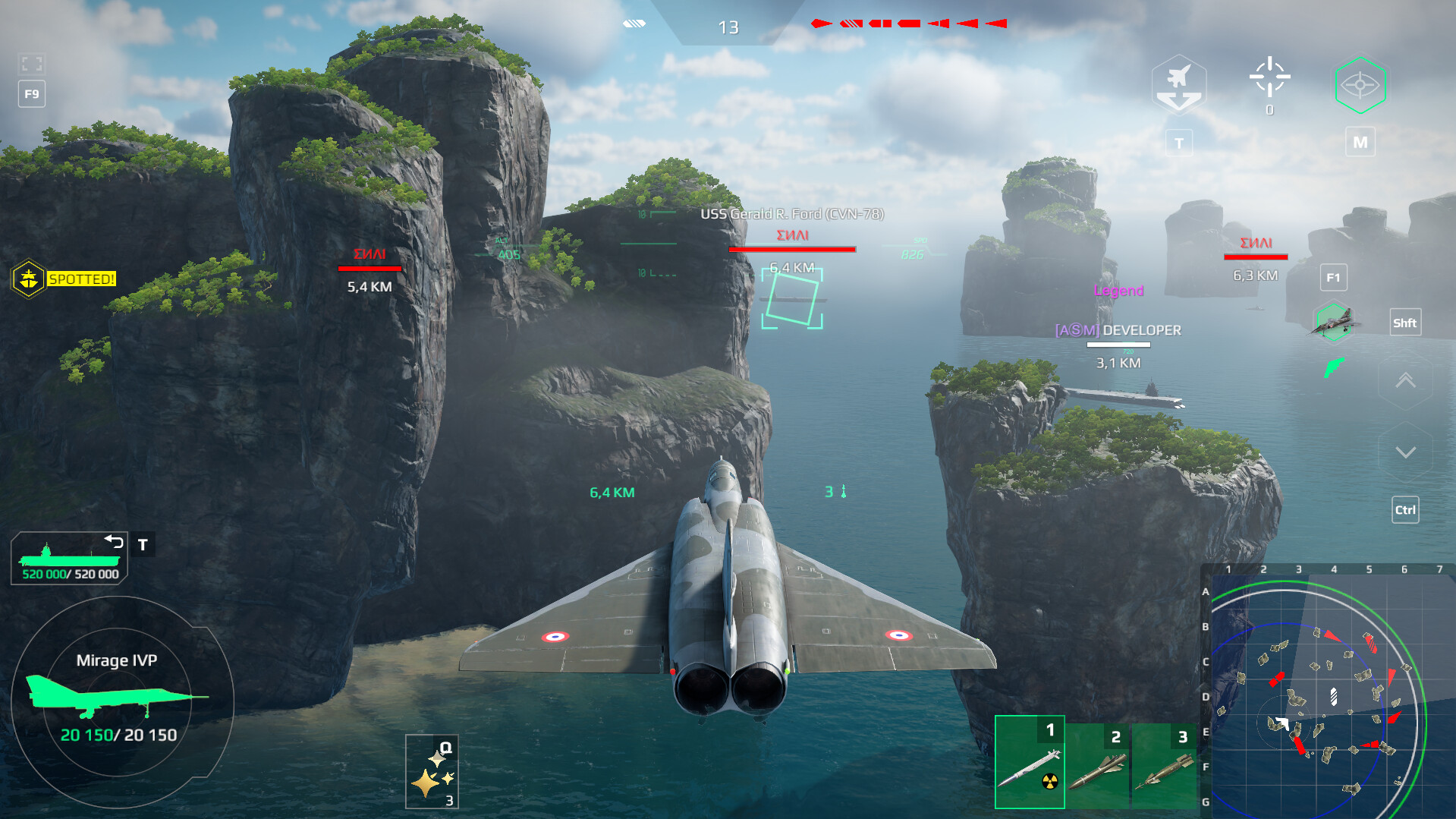
There are 2 control modes for aircraft, which can be toggled in the "Settings" → "Controls" section:
Arcade Controls
A simplified mode for quick learning. The joystick controls flight speed, while course and altitude changes occur automatically following camera rotation.
Professional Controls
provides full control over the machine's behavior in the air. Using the joystick, the player directly controls the aircraft's pitch (altitude) and roll, while 2 buttons on the right side of the screen (by default) are responsible for engine thrust:
- upper button (two arrows up) — engages afterburner;
- lower button (arrow down) — activates airbrake;
- neutral position — maintains cruising speed.
Also consider aircraft with VTOL systems. Instead of an airbrake on the lower button, they have a hover function (marked with an H), allowing the aircraft to be held in one place for pinpoint targeting.
Pro Tip: in the "Settings" → "Game" menu, turn off the "Switch control to new unit" option, so that when a new squadron is launched, the camera doesn't sharply switch from your current unit, preventing you from losing your bearings in battle. On PC, you can return aircraft to the deck using the T hotkey.Helicopter Controls
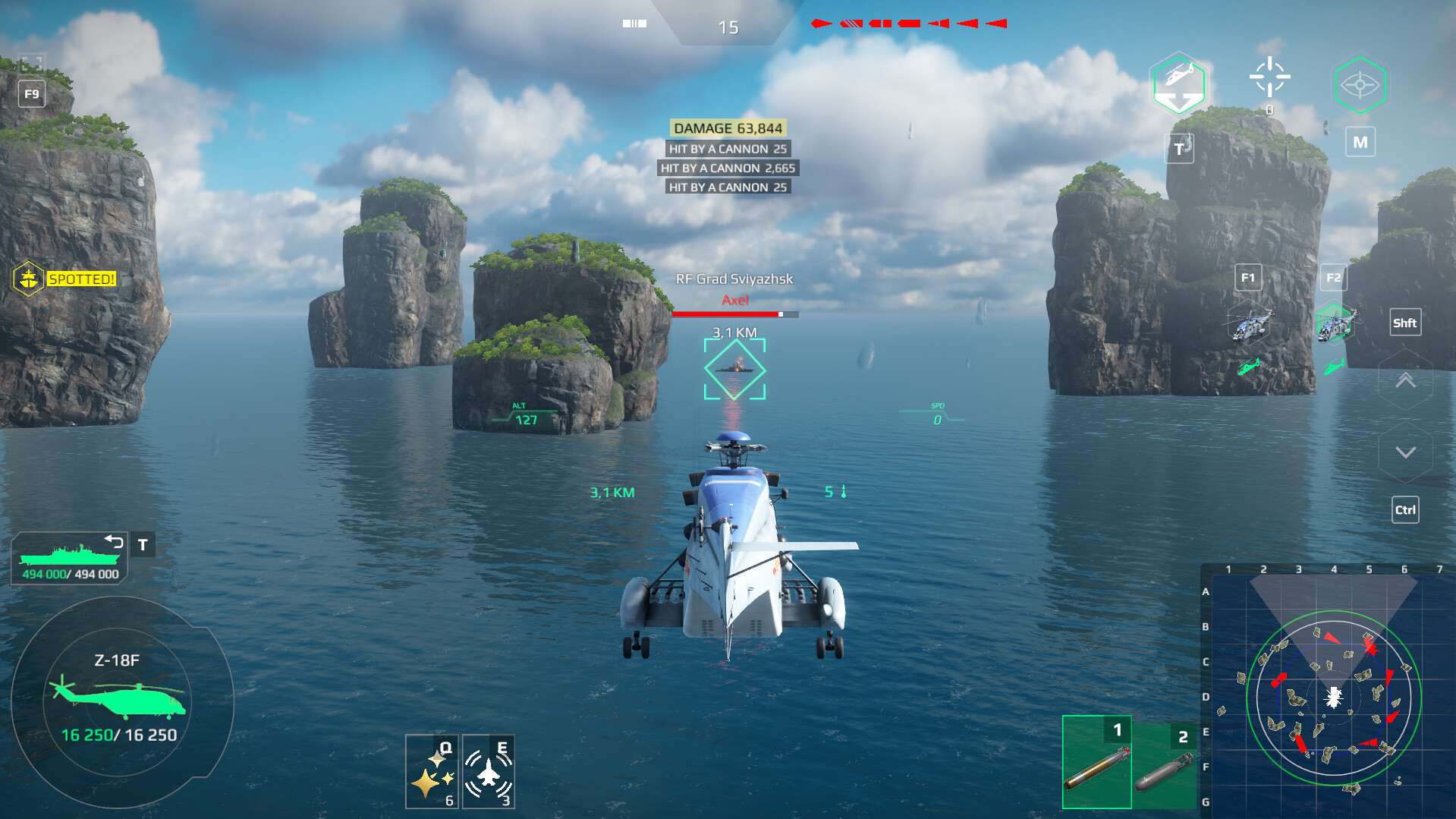
Just like for airplanes, there are 2 piloting modes available for helicopters.
Arcade Controls
A simplified control option where the joystick adjusts horizontal flight speed, turns are executed by camera movement, and altitude gain happens automatically when approaching islands and hills.
Professional Controls
Gives full control over the machine. The joystick sets the horizontal movement direction, and 2 buttons on the right side of the screen (by default) allow you to manually adjust flight altitude.
Pro Tip: Professional mode is highly recommended for helicopters. Manual altitude adjustment allows you to fly as close to the water surface as possible (which significantly complicates the work of enemy air defense systems) and fire safely from behind low cover.
At any time during combat, a helicopter can be recalled to the ship's deck (using a special on-screen button or the T key on PC) to replenish ammunition and repair.
Naval Drone Controls
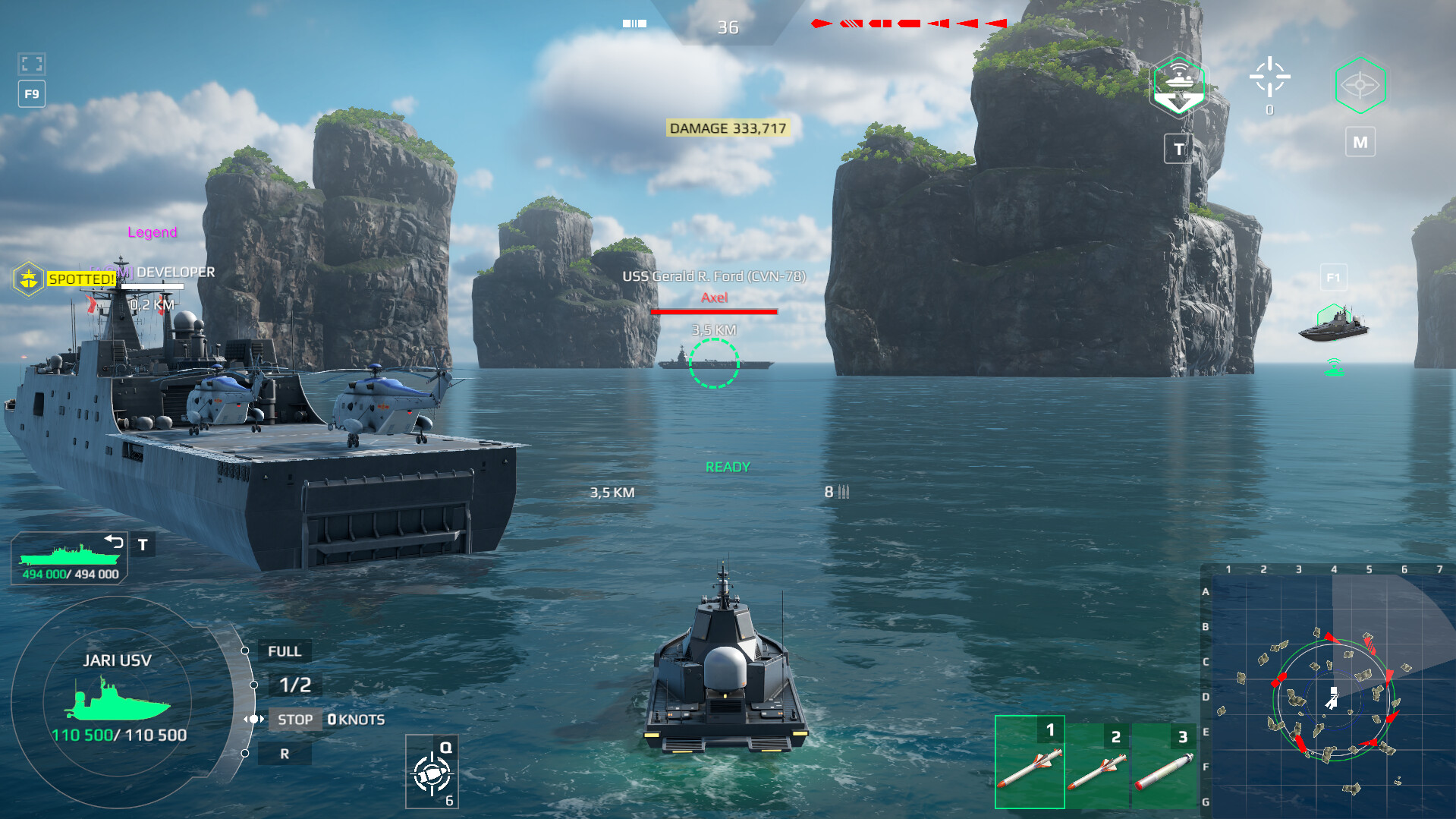
Naval drones are compact unmanned vehicles equipped exclusively on amphibious assault ships.
Their control mechanics are largely identical to conventional surface ships and submarines: the same principles of maneuvering, speed selection, weapon usage, and diving (for underwater models) apply to drones. The only exception is attack drones equipped with a special "Warhead" function, which, when activated, causes the autopilot to ram the target after manual guidance.
Like helicopters, naval drones can return to the ship — at any moment, the vehicle can be recalled to its carrier using the corresponding button to reload its onboard weapons and restore its durability.